





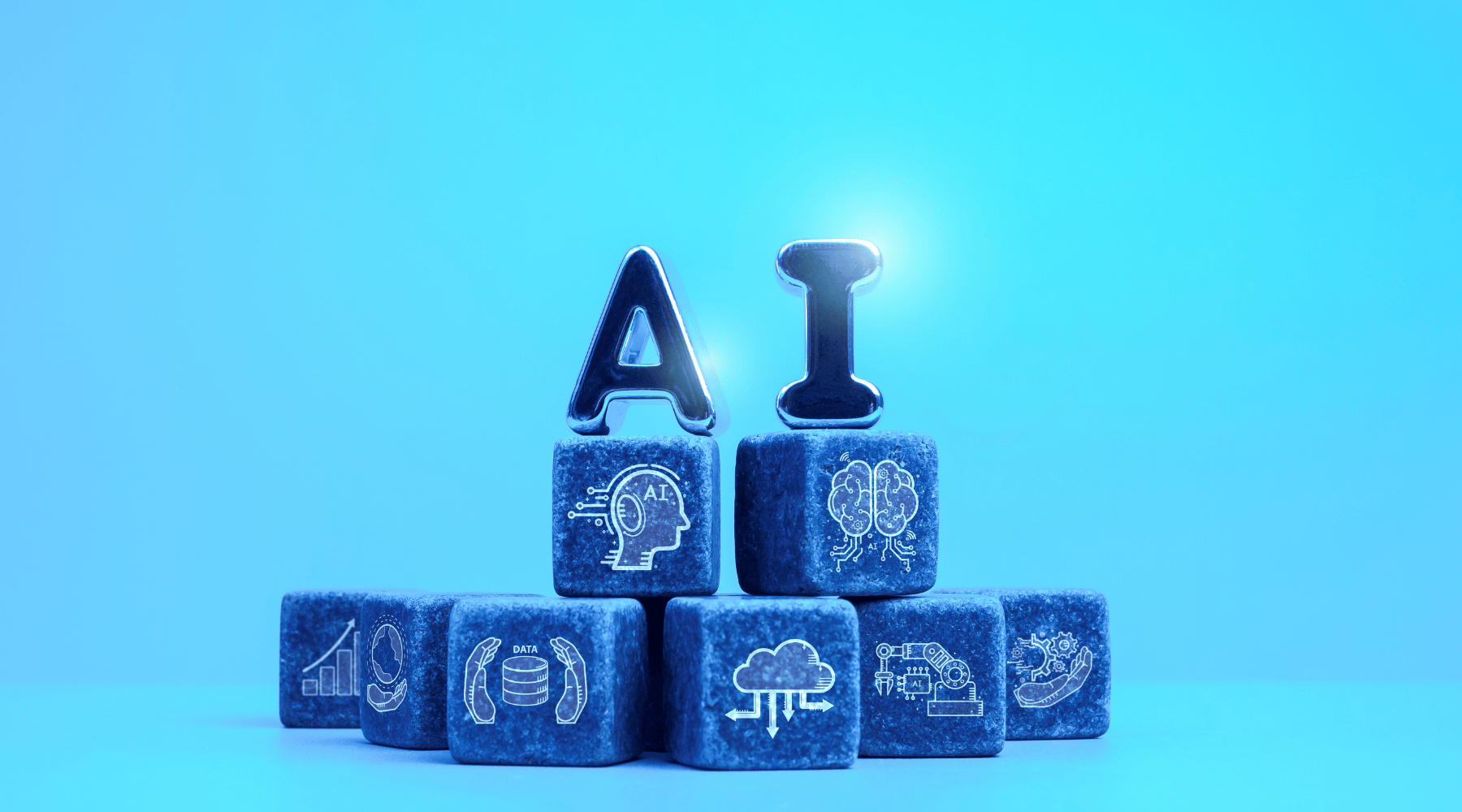
Artificial intelligence has officially moved past the novelty phase. We no longer use it just to generate funny images or answer trivia questions. As we navigate 2026, AI serves as an essential co-pilot for professionals across every industry. It anticipates our needs, organizes our schedules, and handles the repetitive tasks that drain our energy.
You might feel overwhelmed by the sheer volume of new software hitting the market. Finding the right tools can feel like a full-time job itself. However, mastering a few core AI tools in 2026 will fundamentally change how you approach your workday. It frees up your mental bandwidth for creative, high-level thinking.
This guide breaks down the absolute best AI productivity apps available right now. We will explore how these platforms work, share actionable productivity hacks for 2026, and help you avoid the common pitfalls that slow people down.
By the end of this post, you will know exactly how to integrate these intelligent systems into your daily routine to get more done in less time.
Top AI Tools for Productivity in 2026
Building a great tech stack requires choosing software that actively solves your specific bottlenecks. Here are six standout AI automation tools and platforms that deliver massive value this year.
1. Jasper: The Ultimate Content Co-Pilot
Jasper remains a powerhouse for marketers, writers, and business owners who need to scale their content creation. It goes far beyond basic text generation by learning your specific brand voice and style guidelines.
Features:
- Advanced brand voice memory and style guides.
- Campaign-level generation that creates dozens of assets from a single brief.
- Built-in SEO optimization features.
Use Cases:
Writing blog posts, drafting social media campaigns, creating email newsletters, and generating ad copy.
Benefits:
Jasper eliminates the blank page syndrome. It allows you to produce high-quality written content at scale without sacrificing your unique tone. You can cut your writing time in half while maintaining professional standards.
2. Notion AI: Your Connected Workspace Assistant
Notion has long been a favorite for knowledge management. With its advanced AI capabilities fully integrated, it now acts as an intelligent librarian for all your company documents, notes, and project boards.
Features:
- Instant document summarization and key takeaway extraction.
- Action item generation directly from meeting notes.
- Cross-workspace semantic search that finds answers based on context, not just keywords.
Use Cases:
Organizing messy brainstorms, querying project databases, and drafting internal wikis.
Benefits:
Notion AI keeps you in your workflow. Instead of switching tabs to use an external chatbot, you can highlight text right where you work and ask the AI to rewrite, summarize, or expand upon your ideas.
3. Grammarly: The Context-Aware Editor
Grammarly has evolved from a simple spell-checker into a sophisticated communication assistant. The 2026 version understands the intent behind your writing and helps you adjust your tone to suit different audiences perfectly.
Features:
- Real-time tone and clarity adjustments.
- Personalized writing style profiles.
- Generative AI for instant email replies based on context.
Use Cases:
Polishing client emails, reviewing important reports, and ensuring consistent communication across large teams.
Benefits:
It prevents miscommunications before they happen. Grammarly ensures that your writing is always clear, professional, and impactful, saving you from embarrassing typos and confusing sentence structures.
4. Motion: The Autonomous Schedule Manager
If you struggle with time management, Motion will feel like a revelation. This intelligent calendar uses AI to automatically plan your day, schedule meetings, and prioritize your to-do list based on strict deadlines.
Features:
- Algorithmic task scheduling based on priority and duration.
- Intelligent meeting booking that protects your deep work blocks.
- Automatic schedule reshuffling when emergencies happen.
Use Cases:
Managing complex project deadlines, balancing client meetings with focused work, and defending your personal time.
Benefits:
Motion entirely removes the mental tax of planning your day. You simply input your tasks and deadlines, and the AI builds the most efficient schedule possible. When things change, it adapts instantly.
5. Otter.ai: The Meeting Intelligence Platform
We spend countless hours in meetings, often struggling to capture every important detail. Otter.ai joins your video calls, transcribes the conversation perfectly, and acts as a dedicated meeting assistant.
Features:
- Real-time transcription with accurate speaker identification.
- Automated executive summaries and action item assignments.
- A chat interface that lets you ask questions about past meetings.
Use Cases:
Recording client interviews, capturing product team syncs, and catching up on meetings you missed.
Benefits:
You can finally stop taking frantic notes during calls. Otter allows you to remain fully present in the conversation, knowing the AI will capture every detail and deliver a neat summary to your inbox afterward.
6. Zapier Central: The AI Automation Hub
Zapier has long connected our favorite apps, but Zapier Central brings conversational AI into the mix. You can now build complex automated workflows simply by describing what you want in plain English.
Features:
- Natural language workflow creation.
- Intelligent routing of data across thousands of applications.
- Proactive error handling and system monitoring.
Use Cases:
Automating lead routing, managing customer support tickets, and syncing data between CRMs and email platforms.
Benefits:
You do not need to be a developer to build powerful systems. Zapier Central democratizes automation, allowing anyone to connect their best AI productivity apps and eliminate manual data entry.
Actionable Productivity Hacks Using AI
Knowing which tools to use is only half the battle. To truly benefit from AI tools 2026, you need to change how you approach your daily tasks. Here are several practical productivity hacks you can implement immediately.
Triage Your Inbox with AI Filters
Do not spend your first hour of the day drowning in emails. Connect an AI assistant to your inbox to categorize incoming messages automatically. Instruct the AI to flag urgent client requests, label newsletters for later reading, and draft suggested replies for common inquiries. You only need to review the drafts, hit send, and move on with your morning.
Use AI for Aggressive Time Blocking
Take the guesswork out of your schedule. Use an app like Motion to implement dynamic time blocking. Tell the AI how many hours of deep work you need per week. The system will automatically block out that time, actively preventing colleagues from scheduling meetings during your peak focus hours.
Create a Personal Research Assistant
Stop reading entire reports just to find one specific statistic. When you need to learn about a new topic, feed lengthy PDFs, industry reports, or long articles into tools like Notion AI or Jasper. Ask the AI to provide a bulleted summary of the core arguments. You can absorb hours of reading material in just five minutes.
Automate Your Meeting Follow-Ups
Integrate Otter.ai with Zapier to create a seamless follow-up system. Whenever a meeting ends, the AI can automatically extract the action items, drop them into your project management software, and email a summary to all attendees. This single hack will save you at least two hours of administrative work every week.
Common Mistakes to Avoid
While AI offers incredible benefits, relying on it too heavily or incorrectly can backfire. Watch out for these common pitfalls as you integrate these tools into your workflow.
Blindly Trusting AI Outputs
AI models are highly capable, but they still make mistakes. They can misinterpret data, miss subtle context, or confidently present incorrect information. Never copy and paste AI-generated content or data without reviewing it first. Always verify facts, especially when dealing with financial figures, legal documents, or sensitive client information.
Losing Your Unique Voice
When using writing assistants, it is easy to let the software take over completely. This results in generic, robotic-sounding content that fails to connect with your audience. Treat AI as a rough drafter. Let it build the foundation, but always inject your own personality, personal anecdotes, and unique perspective into the final piece.
Ignoring Data Privacy
Feeding sensitive company data or confidential client information into public AI models poses a massive security risk. Many free AI tools train their models on user inputs. Always read the privacy policy before sharing data. Stick to enterprise-level tools that explicitly promise not to train their models on your proprietary information.
Future Trends of AI in Productivity
The landscape of AI changes rapidly. What seems cutting-edge today will become the standard very soon. Here is a look at how AI will continue to shape our productivity in the near future.
The Rise of Autonomous Agents
We are moving past the prompt-and-response model. Soon, we will rely on autonomous AI agents. Instead of asking an AI to write an email, you will give an agent a high-level goal, like “plan a marketing webinar.” The agent will independently research topics, draft the landing page, send out invitations, and report back when the task is complete.
Hyper-Personalized Workflows
AI tools will soon understand your personal work habits better than you do. Your operating system will notice when you are most focused and automatically silence notifications during those periods. It will learn your specific writing quirks, your preferred meeting times, and the exact format you like your data presented in, creating a custom software environment built entirely around you.
Predictive Problem Solving
Future AI will not just react to your commands; it will anticipate your needs. If an intelligent system notices a recurring bottleneck in your supply chain or a drop in your email open rates, it will proactively alert you. More importantly, it will instantly generate a list of actionable solutions to fix the problem before it escalates.
Conclusion
Artificial intelligence offers an unprecedented opportunity to reclaim your time and energy. By adopting the best AI productivity apps, you can automate the mundane aspects of your job and focus on the creative, strategic work that truly matters.
The transition might require a small learning curve, but the payoff is immense. You will work faster, communicate clearer, and experience far less daily stress.
Do not wait for these technologies to become mandatory. Pick one or two of the AI automation tools mentioned above, implement a new productivity hack this week, and watch your daily output soar. Start building your AI-powered workflow today.
Frequently Asked Questions (FAQ)
Are AI productivity tools expensive to use?
Many top AI tools offer generous free tiers or affordable monthly subscriptions. While enterprise versions cost more, the time saved usually covers the subscription cost within the first few days of use. You can easily build a powerful AI stack on a modest budget.
Will AI tools replace my job?
AI is not designed to replace professionals; it is designed to replace tasks. People who learn to use AI effectively will likely replace those who refuse to adapt. Embracing these tools makes you more valuable, efficient, and capable in your role.
How steep is the learning curve for these AI tools?
The learning curve has decreased significantly. Most AI tools in 2026 use natural language processing, meaning you can interact with them just like you would a human assistant. If you can type a clear instruction or ask a specific question, you can use these platforms successfully.
Is my data safe when using AI automation tools?
Data security depends entirely on the specific tool you choose. Reputable, paid platforms offer strict privacy controls and do not use your data to train their public models. Always verify a company’s data privacy policy before uploading sensitive information to their servers.